What is an Editor Experience?
An editor experience is a type of experience that allows you to open and launch your experience directly in Unreal Editor. For users with advanced Unreal knowledge, this provides a way to fully customize the experience to your needs.
How to Create an Editor Experience
Follow the same steps as creating an experience from 3D data, but at step 4:
-
Ensure your 3D Data Library contains imported CAD data.
-
Select your CAD by checking the checkbox.
-
Click View Selection in 3D to verify your selection.
-
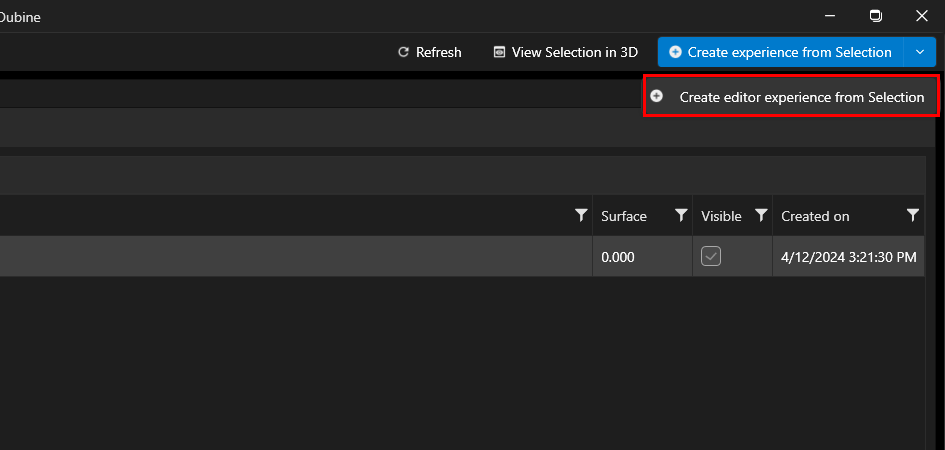
Open the Create Experience from Selection dropdown menu and click Create Editor Experience instead of the standard option.
-
Enter the experience name, thumbnail, and description.
-
Select your experience extensions and add users.
Opening in Unreal Editor
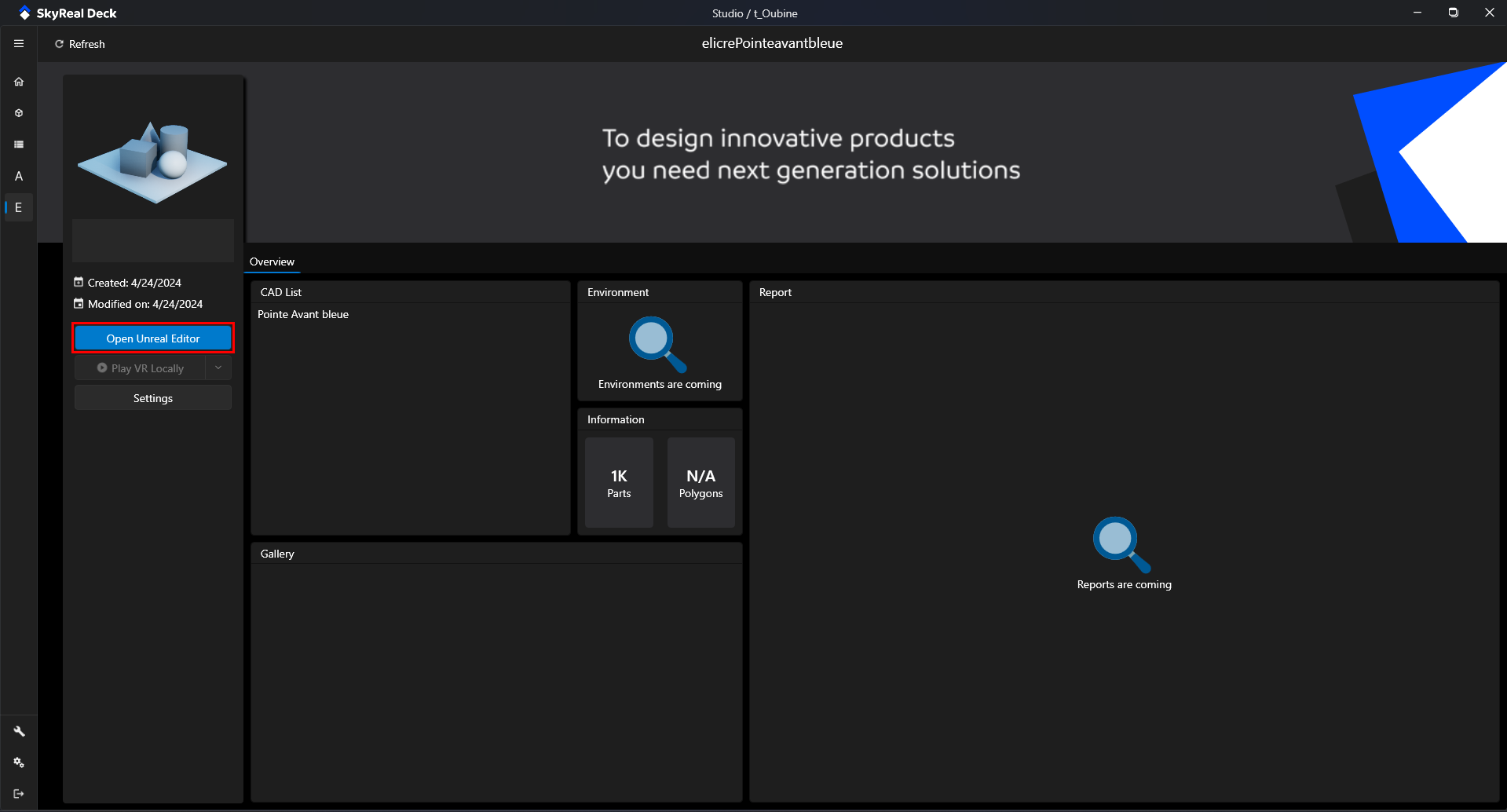
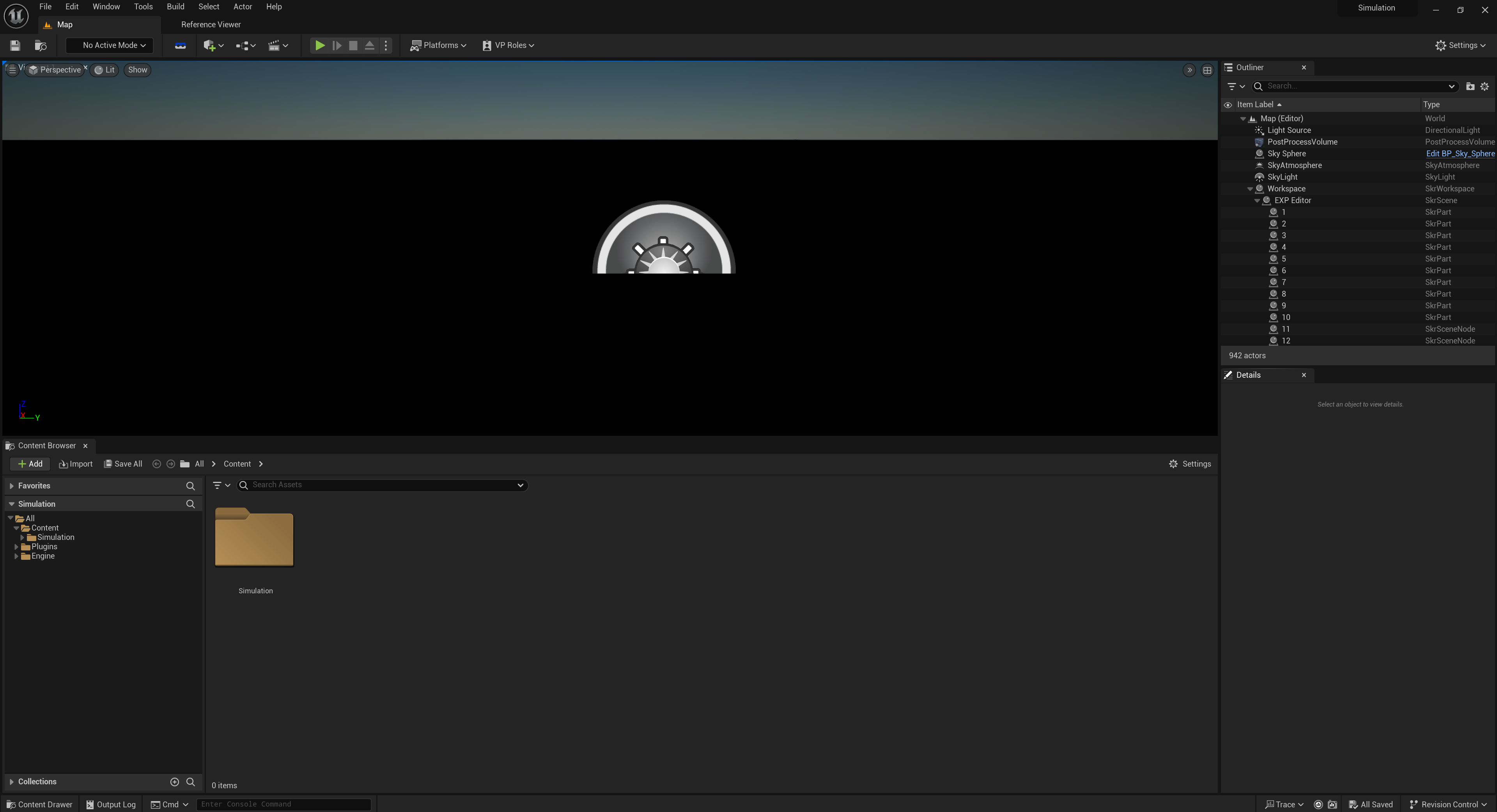
Once created, you can open the editor experience in Unreal Editor from the Experience Homepage by clicking the Open Unreal Editor button. This lets you modify the scene, add blueprints, and customize the experience with the full power of Unreal Engine.