
Groups Commands
These commands allow you to create groups of parts. You can use them to move several parts together or to make a set of parts behave as a single part.
You can find these commands in the default Selection sub menu or in the desktop menu:
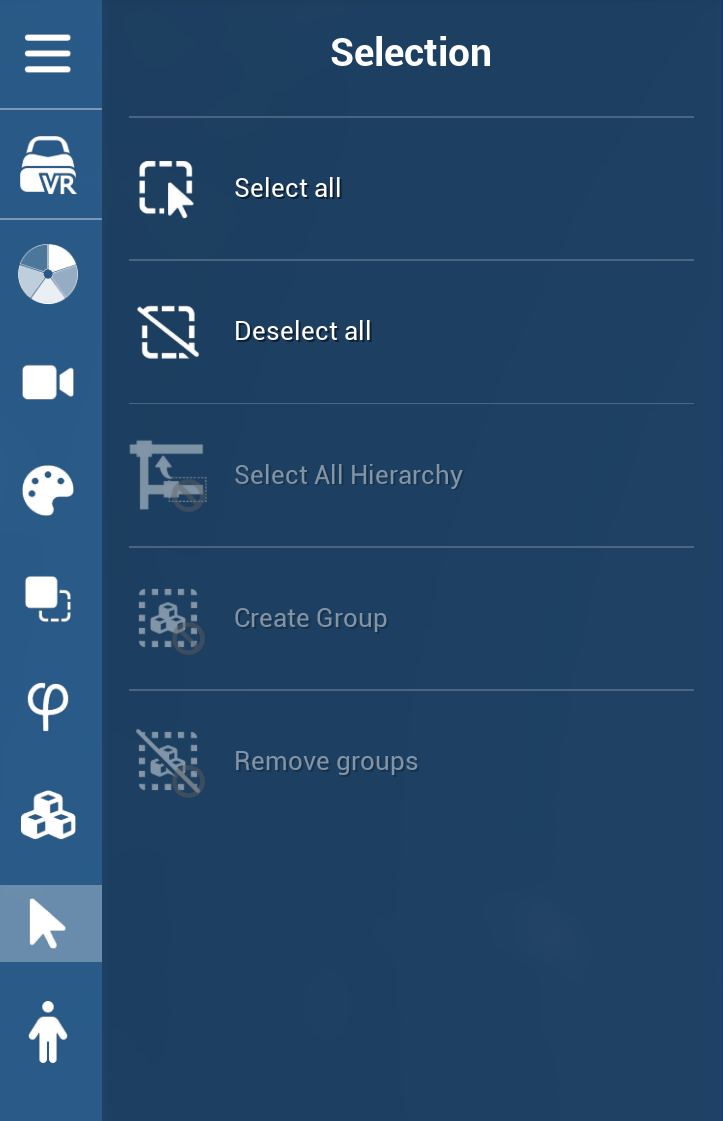

Create Group
When used, this command creates a group composed of the currently selected objects. Once a group is created, the objects that make it up will no longer be individually selectable. The group will be outlined in purple.
The group will behave as a single part, even with physics activated.
Remove Group
When used, this command will un-group the objects of the selected group. You will then be able to once again select these objects individually.