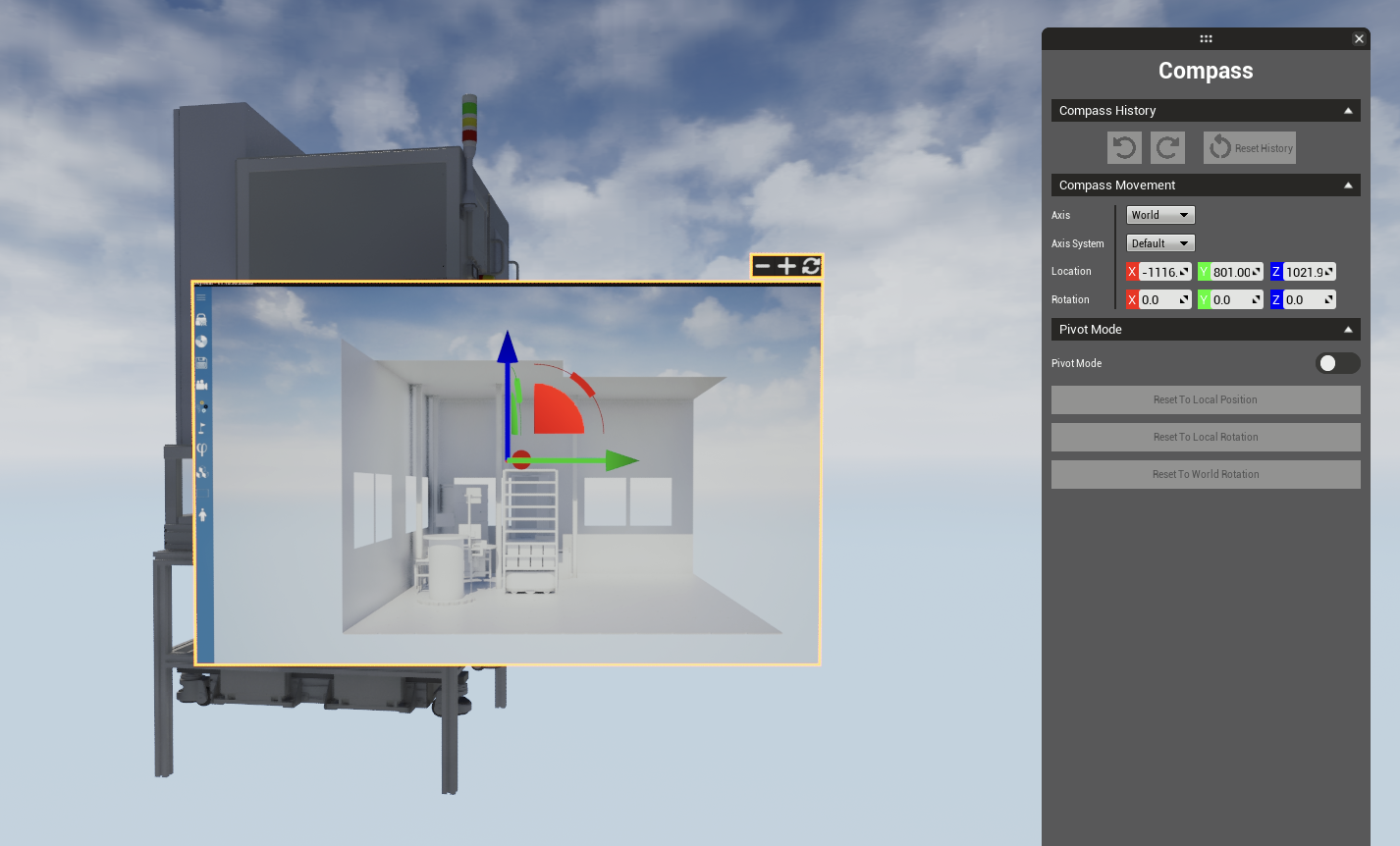
Extensions are only available on desktop. This feature allows you to load one or more images from your PC into your Skyreal VR scene.
You can find it in the last category of the left-hand menu; the feature is called “Load Image”.
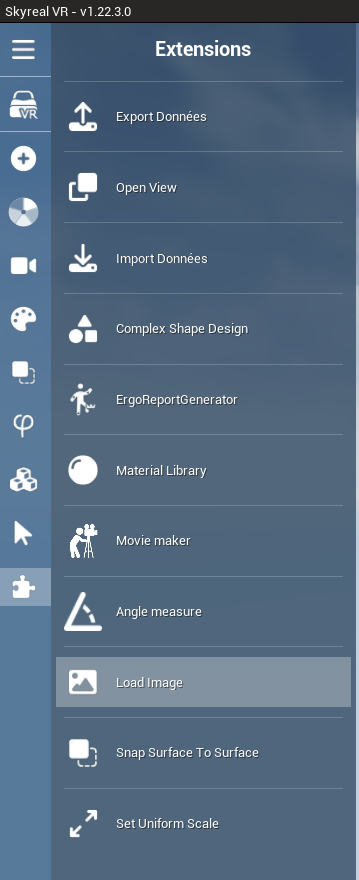
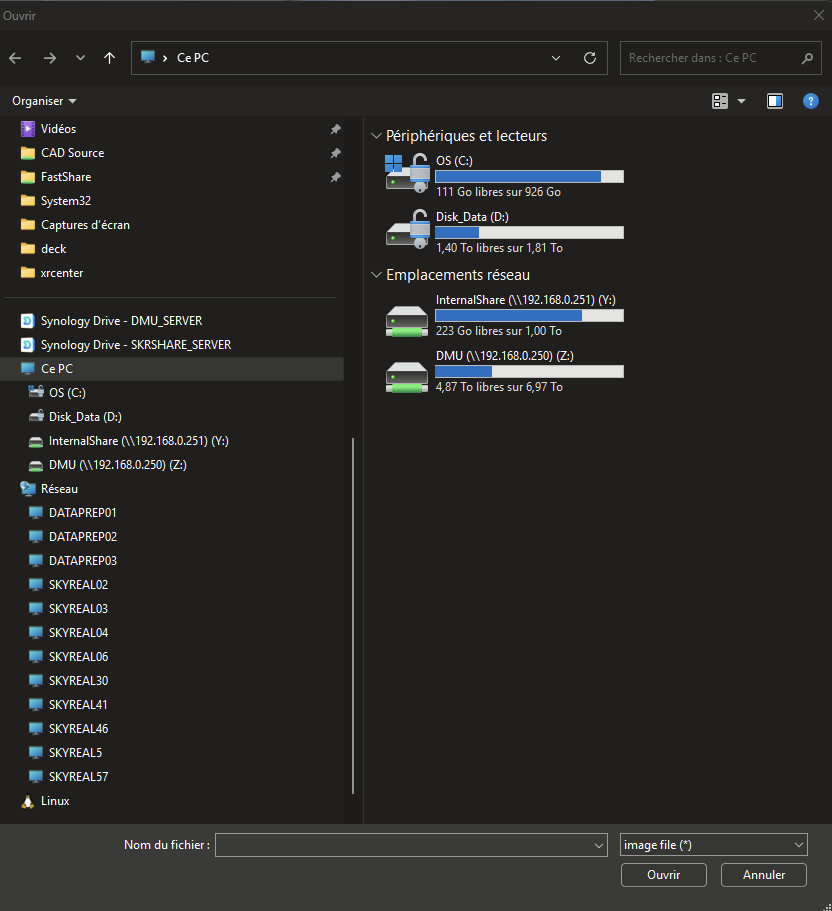
To upload the image, simply click on the button; this will open your file browser so that you can select the image.
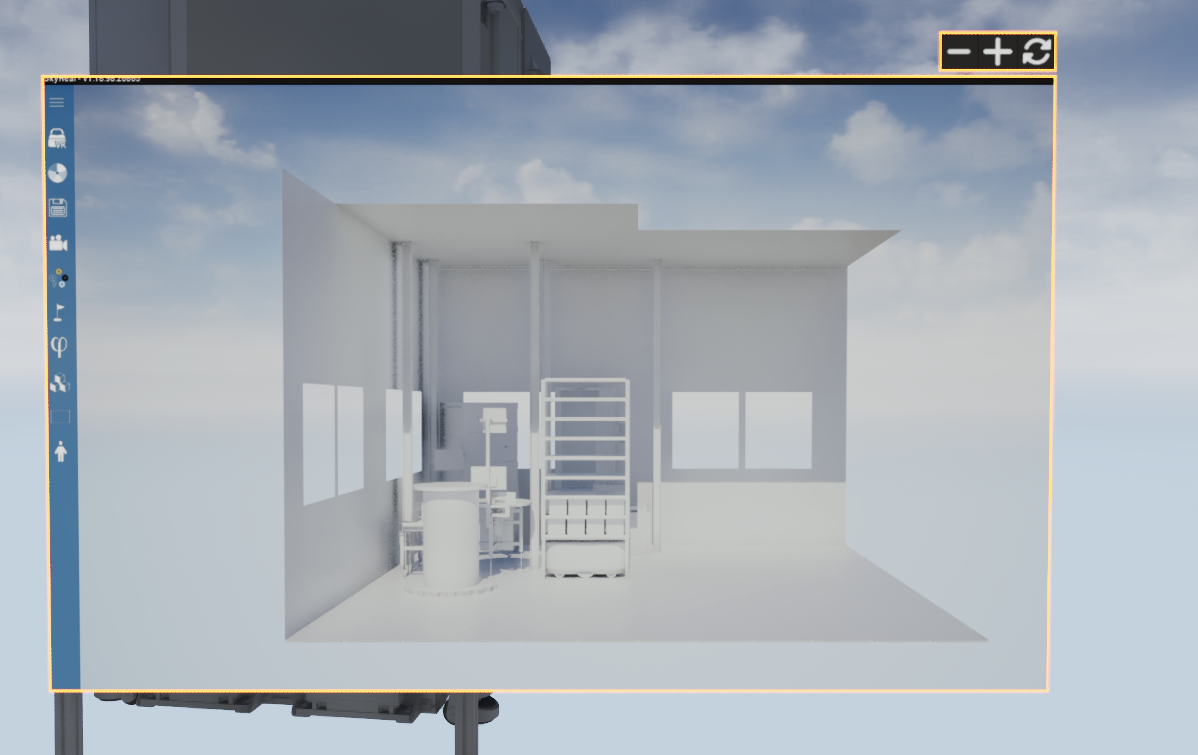
Once the image appears in your scene, you can resize it by selecting it and using the + and - buttons provided for this purpose
It is also possible to rotate and move it as you wish using the compass controls