
This extension is only compatible with the map editor
It allows you to create training scenarios.
Training scenarios are custom-created scenarios that are generally related to the assembly or disassembly of parts.
Once added to your Experience Editor, you will find a ‘Skr Training’ folder within the ‘SkrPlugins’ folder in your Experience Editor.
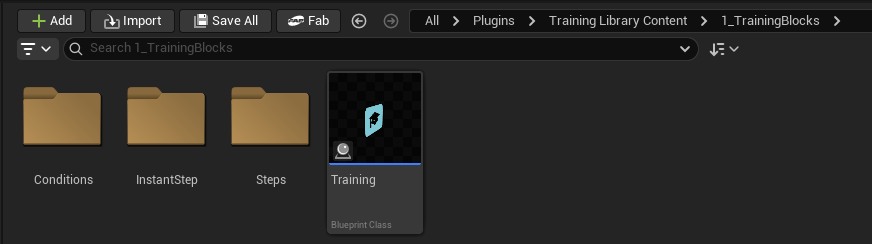
In this folder, you will find a “Training Blocks” folder containing the Conditions, Step and InstantStep elements needed to create your various training stages.
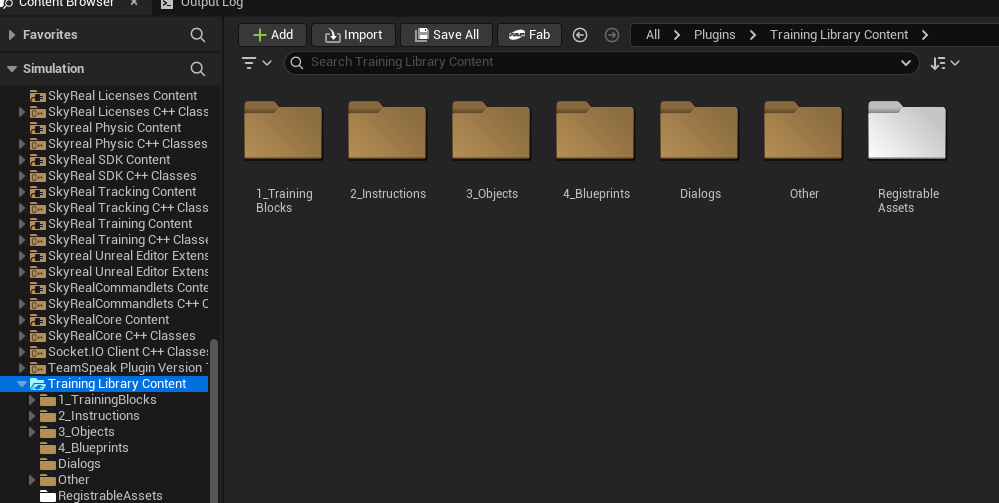
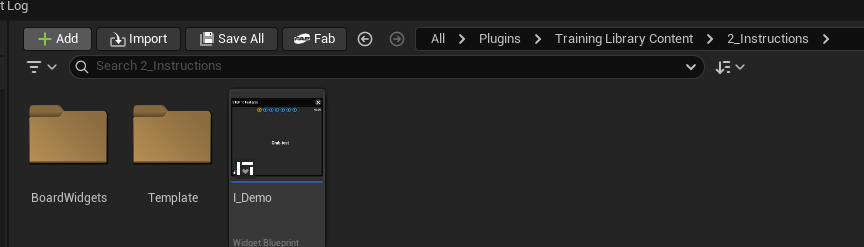
You will also find an instruction folder, which allows you to create the user interface for your training instructions, complete with a pre-made example
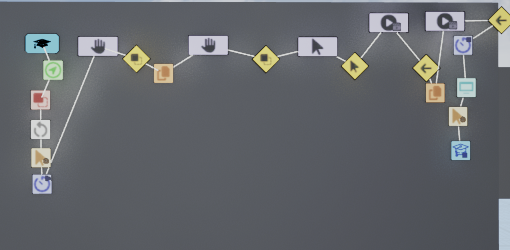
To create your training scenario, you need to set up your sequence in your Unreal scene and link the steps one by one, along with the conditions, etc.
Here is an example of what this might look like:
If you would like more in-depth training on how to build a training scenario, please contact the support team. We will guide you through the process to show you how it works.