
Intro
XR Center also provides an OpenAPI/Swagger interface that exposes its REST APIs for advanced integration scenarios. This allows developers to interact directly with XR Center’s services, enabling fine‑grained control over operations such as data management, workflow orchestration, and system configuration. Using the Swagger documentation, you can explore available endpoints, test requests, and seamlessly integrate XR Center into complex third‑party environments.
Configuration
By default, Swagger isn’t enabled on XR Center. In order to enable it, you’ll need to add the following field to your xrcenter.json configuration file.
By default, this file can be found at %programdata%/Skr/xrcenter/xrcenter.json
{
  "EnableSwagger": true
}
And restart your XR Center service for the configuration to be taken into account.
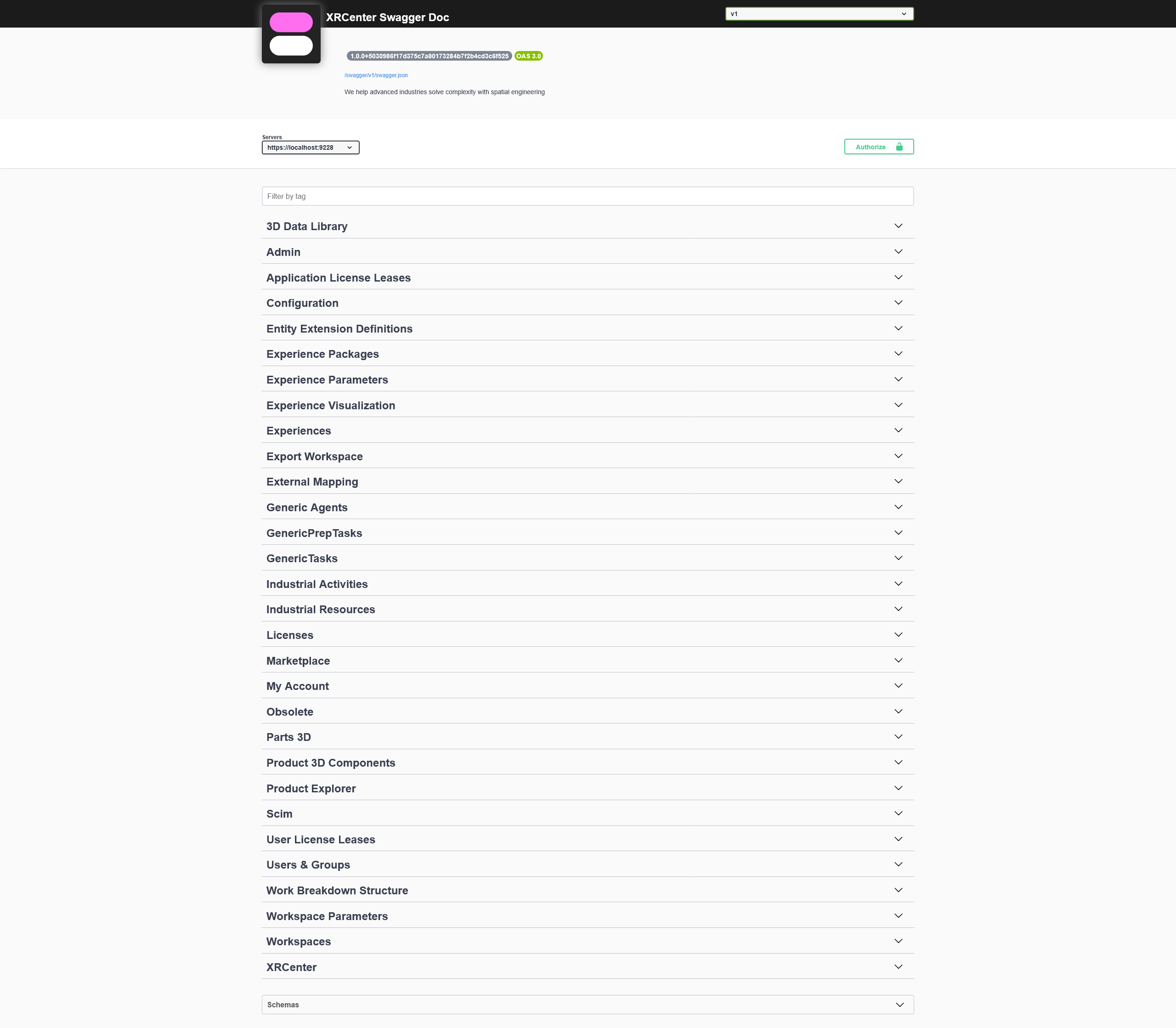
Once activated, the Swagger interface can be found at
https://yourxrcenter.com:9228/swagger/index.html
And the json definition of XR Center endpoints can be found at
https://yourxrcenter.com:9228/swagger/v1/swagger.json
With the help of codegen tools, it allows for fast and convenient integration with other services by generating SDK code for a targeted language.