
What is Deck?
Deck connects to XR Center and provides users with a desktop application to handle their day-to-day VR workflows — from uploading CAD files to launching Skyreal VR sessions.
Key Features
-
XR Center Connection — Connect to your organization's XR Center server to access workspaces and experiences.
-
CAD Upload — Upload CAD files directly to the XR Center preparation cluster for conversion.
-
Experience Creation — Create and configure VR experiences from your imported 3D data.
-
Application Launcher — Start products linked to an experience, including Skyreal VR, Product Explorer, and Unreal Engine.
-
Local Caching — Experiences are downloaded and cached locally for fast startup.
How Does It Work?
After installing Deck and connecting to your XR Center server, you can browse your workspaces, upload CAD files, and create experiences. When you are ready, Deck launches the appropriate application (such as Skyreal VR) with your selected experience loaded.
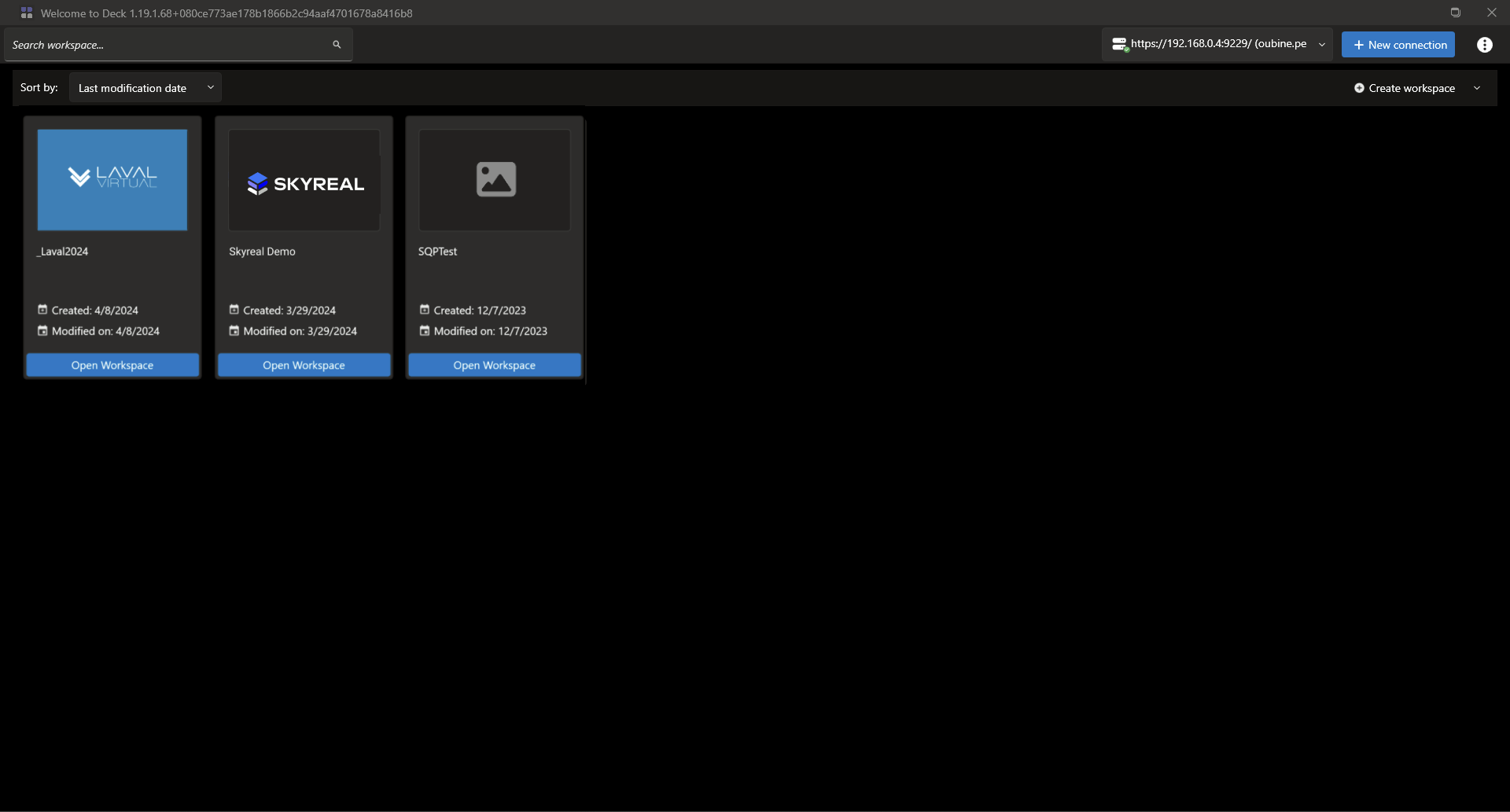
Connection to XR Center
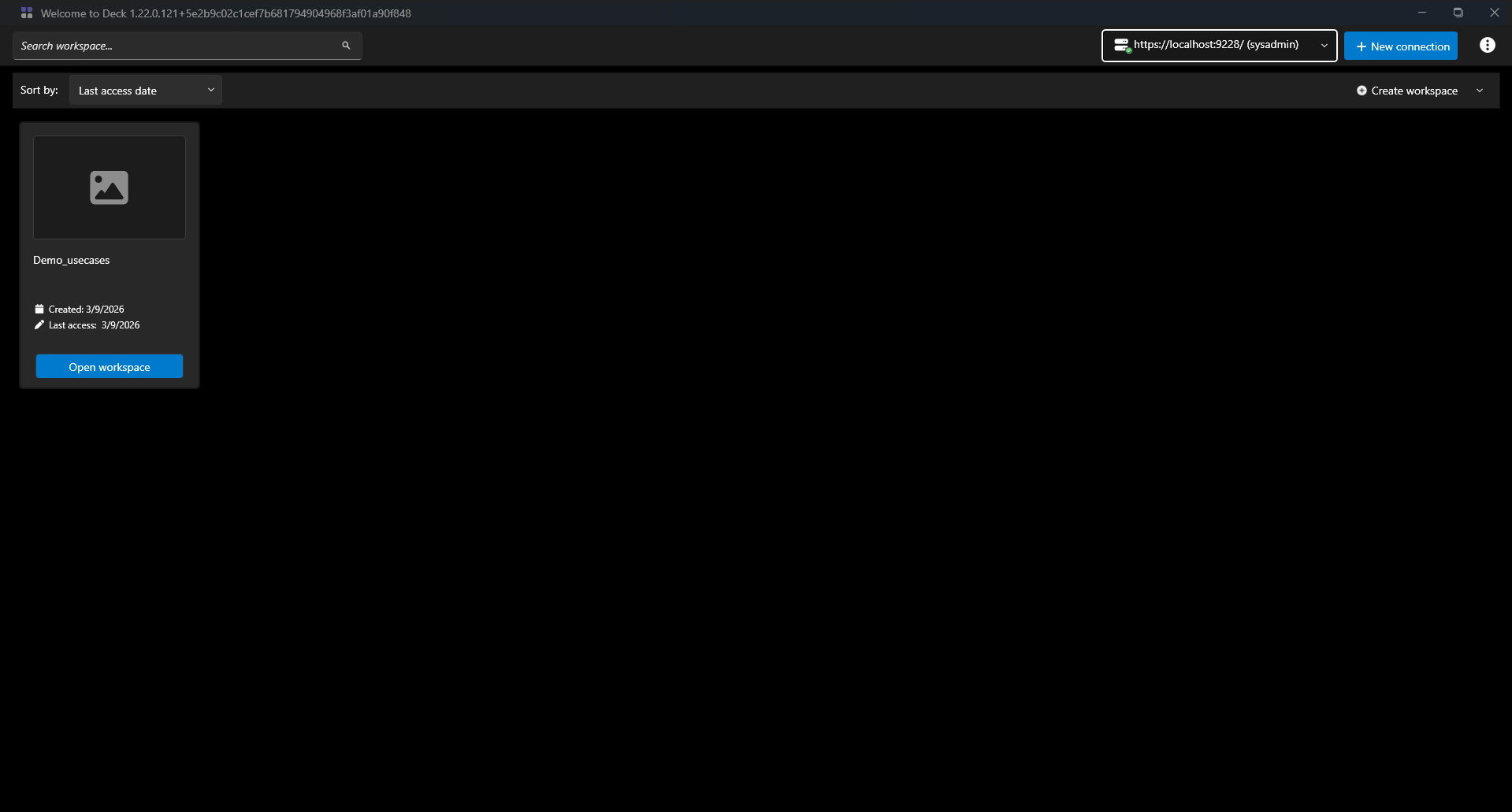
Once you just opened your Deck app, you will have to login connect your Deck to your XR Center. You can connect several XR Center to your Deck by clicking on the New connection button, and switch between them thanks to the combobox next to the New connection button.
User Roles
Both workspaces and experiences use the same three-level permission system:
Enlarges the table by opening it in a full screen dialog Open
|
Role |
What they can do |
|---|---|
|
Member |
View content only — no editing or deleting. |
|
Contributor |
View and edit settings, create and join collaborative VR sessions. |
|
Owner |
Full control — can edit, delete, and manage all users. Assigned automatically on creation. |
Licensing
Your Deck license is managed centrally through XR Center. No separate license configuration is required on the client side.