
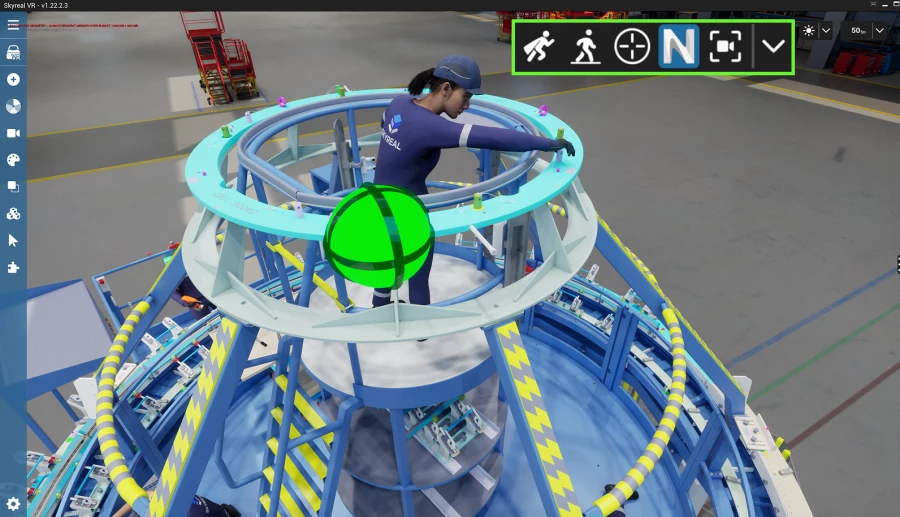
This mode adds a “Navisworks” navigation mode to the modes available in the highlighted bar. It uses the same mouse and keyboard shortcuts as Navisworks, as well as its pivot cursor.
Navigation functions
-
Zoom: scroll forward or backward to zoom toward your mouse position. The pivot cursor shows that position while you move.
-
Pan: hold down the mouse wheel to set a plane to slide along. Move left and right, or up and down, to start moving.
-
Orbit: hold Shift and press down the mouse wheel to rotate around your mouse position. The pivot cursor shows that position while you move.