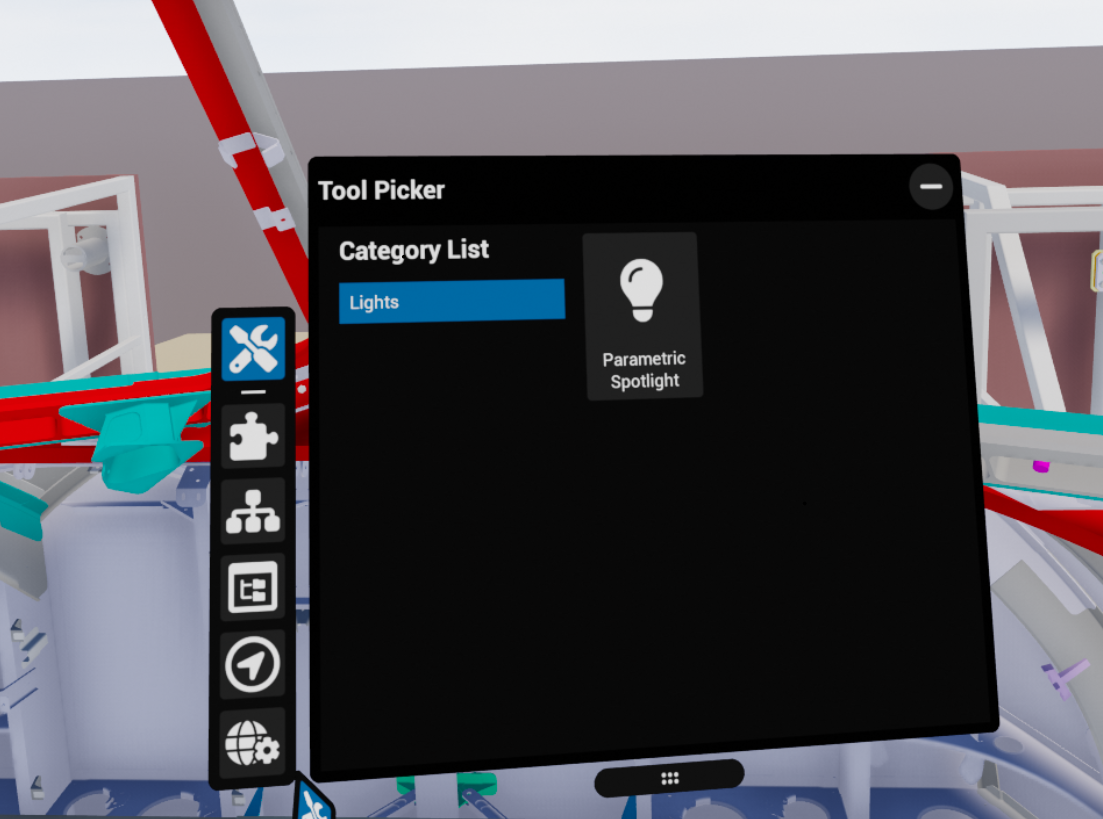
You can find this tool on the marketplace. After add, this extension on your experience, you can find the light on the desktop tool picker and on the tool picker in VR.
In desktop:
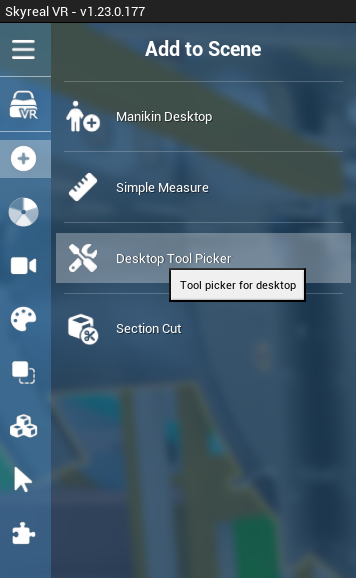
In light category, click on Parametric light and after drag and drop the light inside you scene.
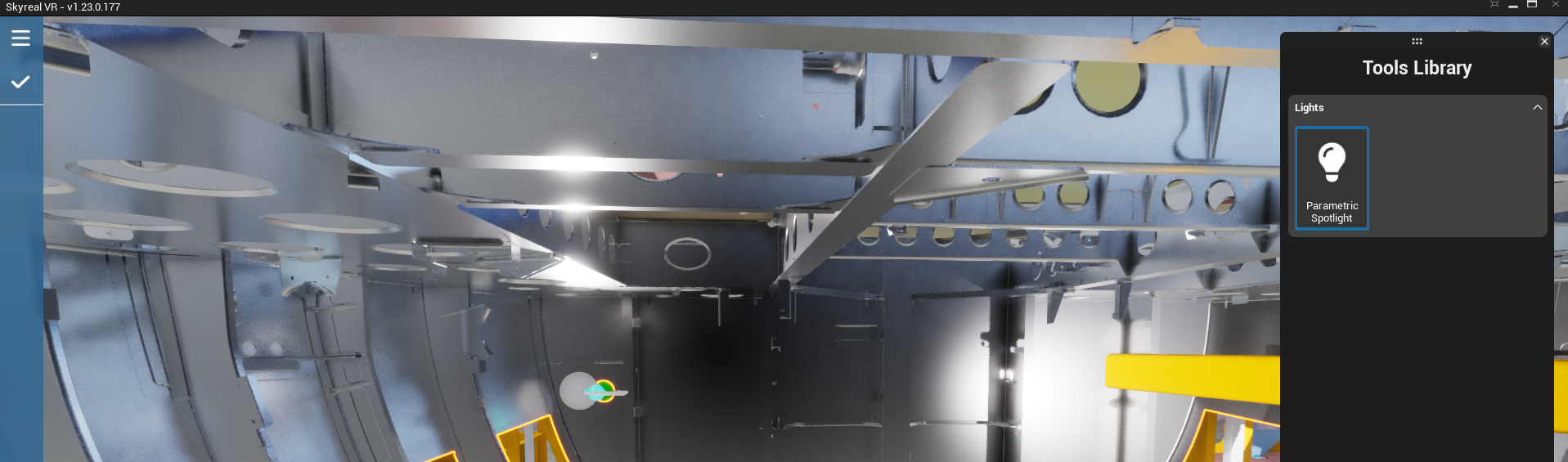
Once you have positioned your lamp, you can also choose the direction of the light beam. Then, once you have confirmed your selection, you can click on it again and adjust the light settings as shown in the video below.
In VR :
Open the desktop tool library; it will then open in the tablet, and you can select the parametric light and add it to the scene