Open CAD Forge
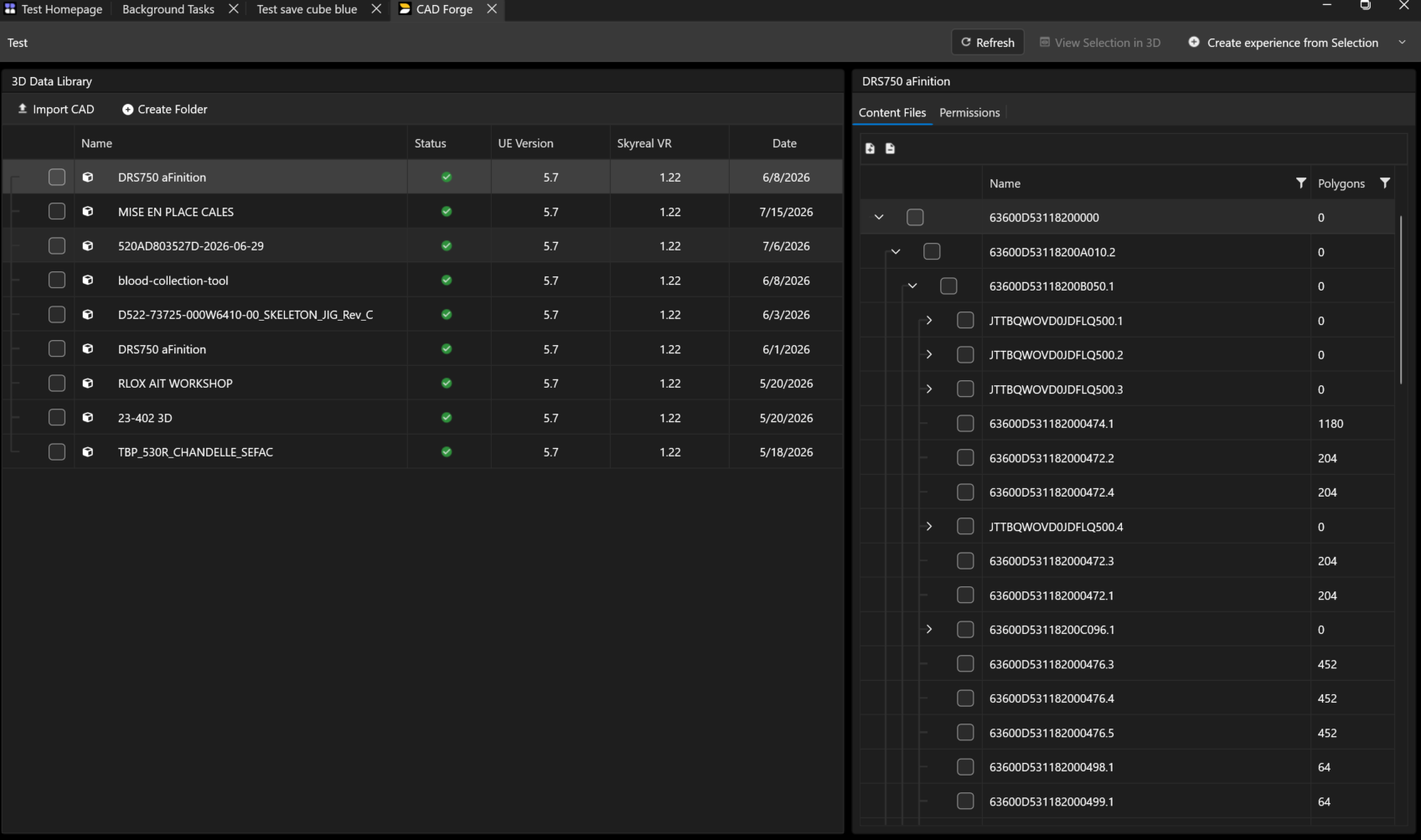
To open CAD forge, open your workspace and then click on Open CAD Forge. In the right pannel you have the list of all the CAD in your Workspace, and in the left pannel you have access to the selected CAD Product Structure.
The 3D Data Library is split into two areas:
-
Left panel — Displays all imported CAD files. You can organize them in folders.
-
Right panel — Shows the product structure of the selected CAD file.