How Can I See My CAD in 3D?
-
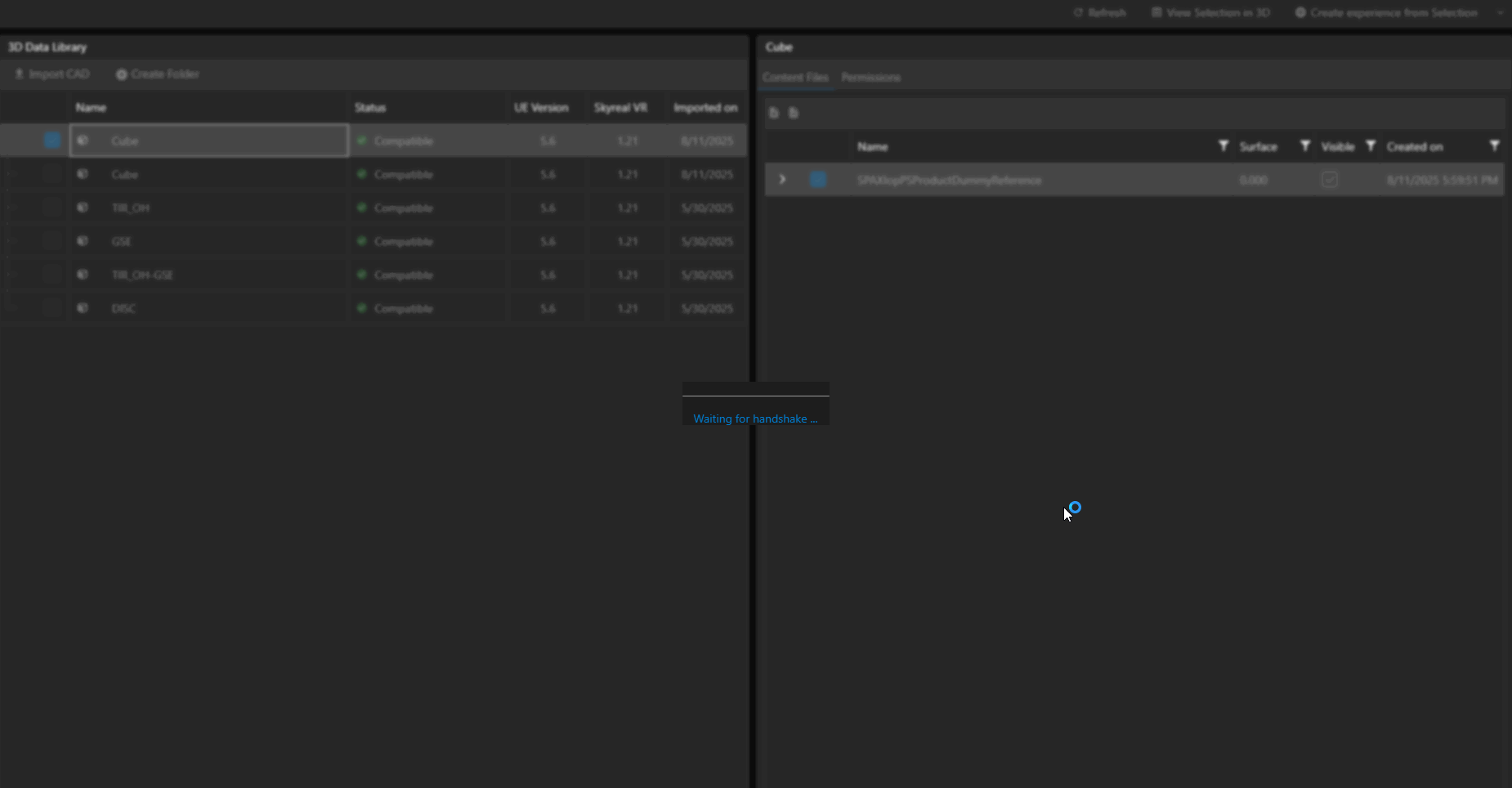
Select your CAD by checking the checkbox. You can select the full CAD, only specific subparts, or parts from different CAD files.
-
Click the View Selection in 3D button at the top of the screen. You can also right-click on a CAD file to view it in 3D.