
Screenshot Commands
Screenshot commands allow you to take in-game pictures from SKYREAL VR. You have the ability to capture your screen, and if you edit your Desktop menu, you can also add the Screenshot of Selected Object command (hotkey F7).
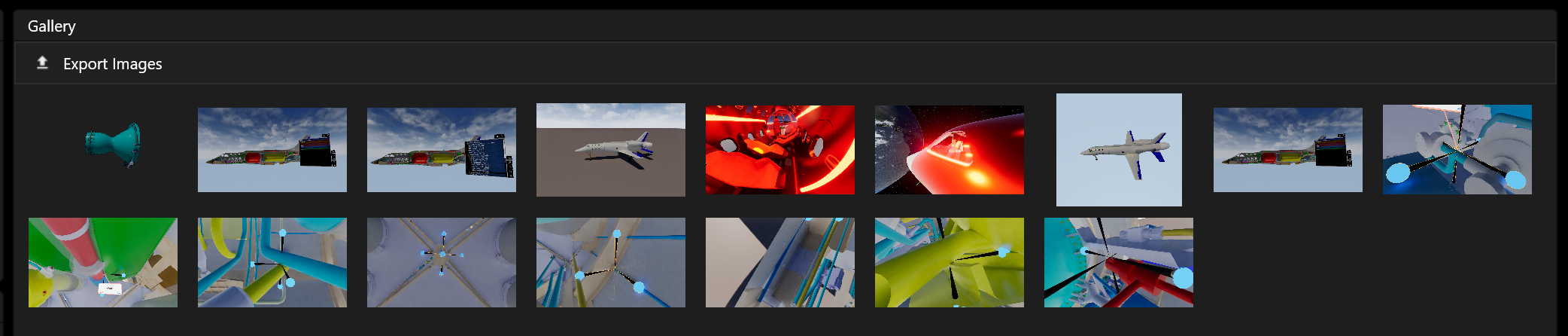
Every screenshot will be placed in the Gallery section in Deck.
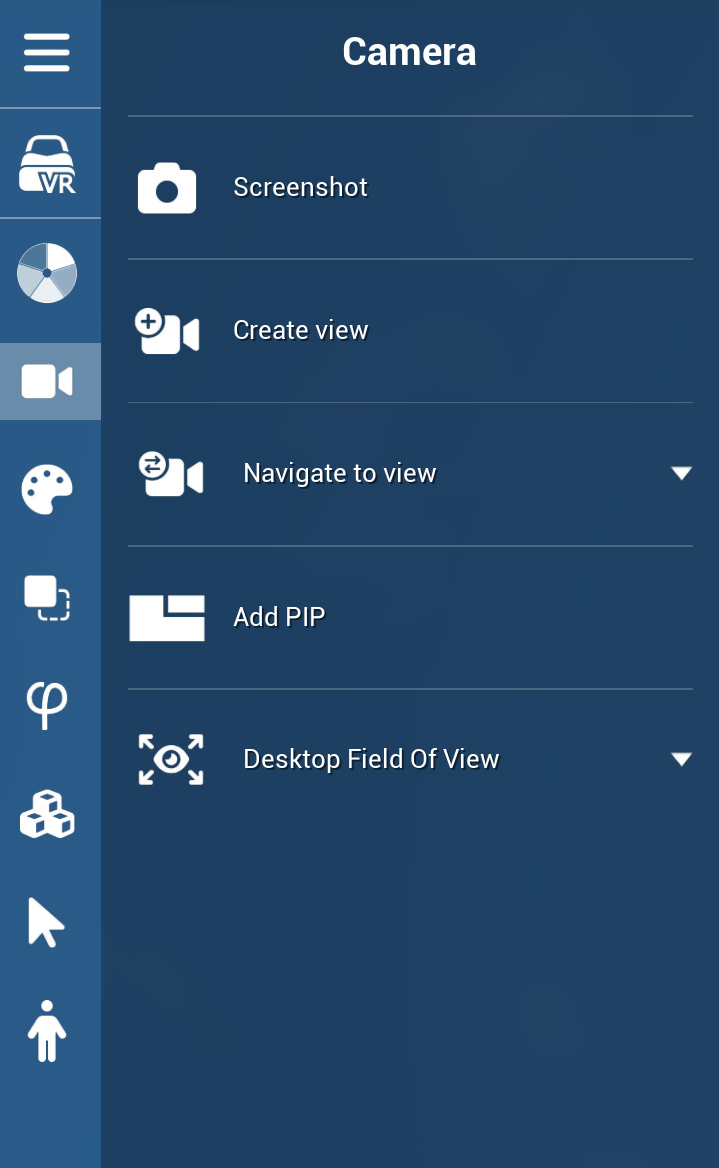
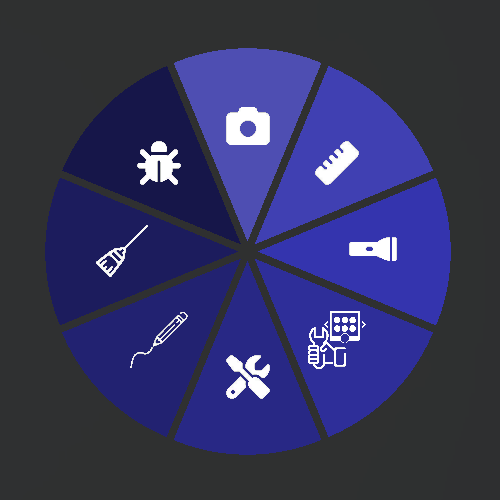
in VR, You can find the Screenshot command in VR in the default Tools sub-menu or in the default camera desktop menu:
How to Use
Screenshot Hotkeys
|
Key |
Function |
|---|---|
|
F5 |
Quick screenshot |
|
F6 |
Screenshot without displaying controllers on manikins |
|
F7 |
Screenshot of [the] selected object without background (transparent |
|
F8 |
High-resolution screenshot |
Tips
-
Use F7 to capture isolated objects with a transparent background, which is useful for creating presentation materials or documentation.
-
Use F6 when you want a clean screenshot without controller models visible on manikins.
-
High-resolution screenshots (F8) are ideal for marketing materials or detailed reviews but may take slightly longer to capture.