
Body Calibration
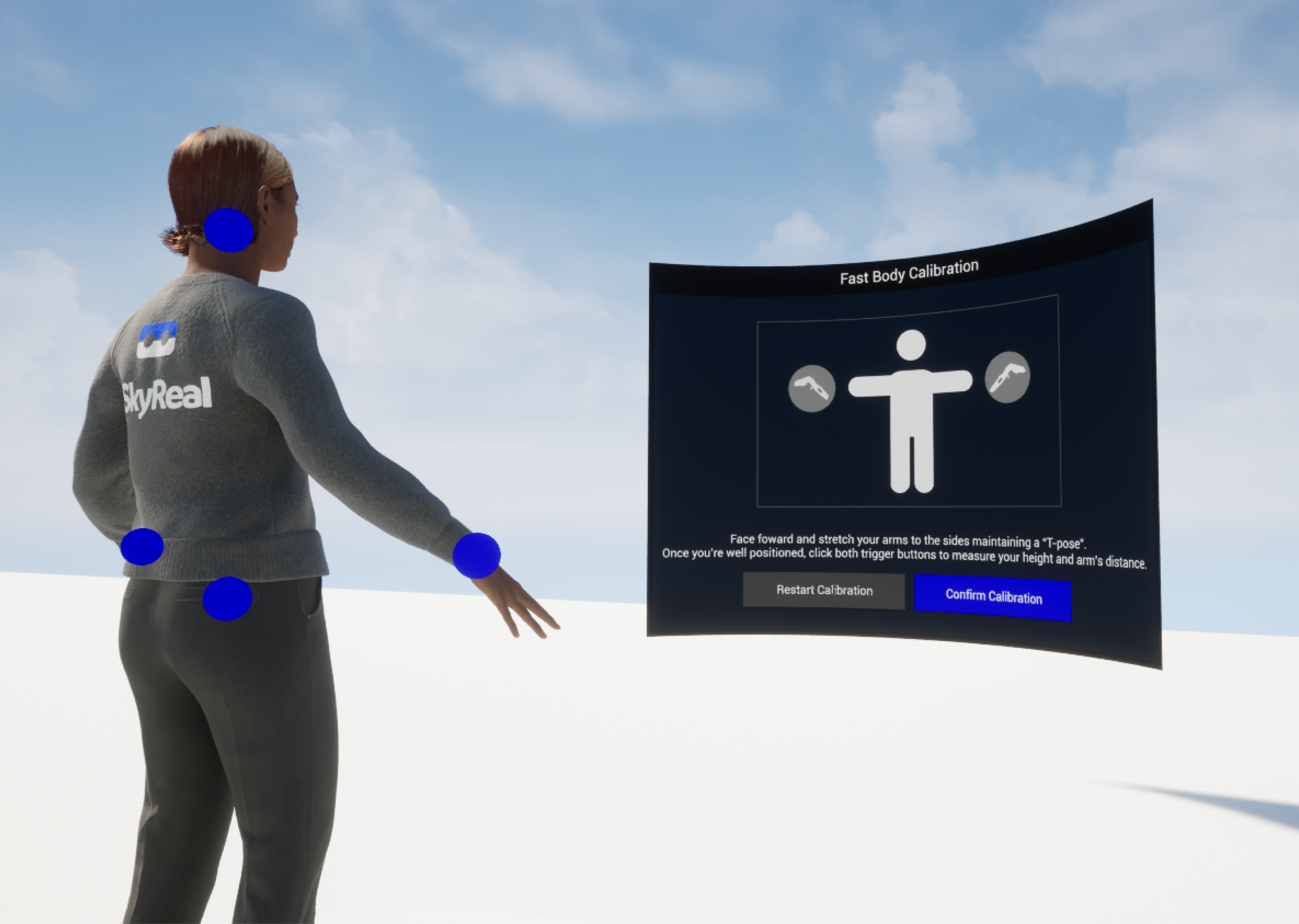
The Body Calibration feature allows you to calibrate your VR avatar so that it matches your real-world size and movements. By using the Edit Myself command and the Fast Calibration option, SkyReal automatically detects tracker positions and adjusts your avatar accordingly.
Accessing Edit Myself
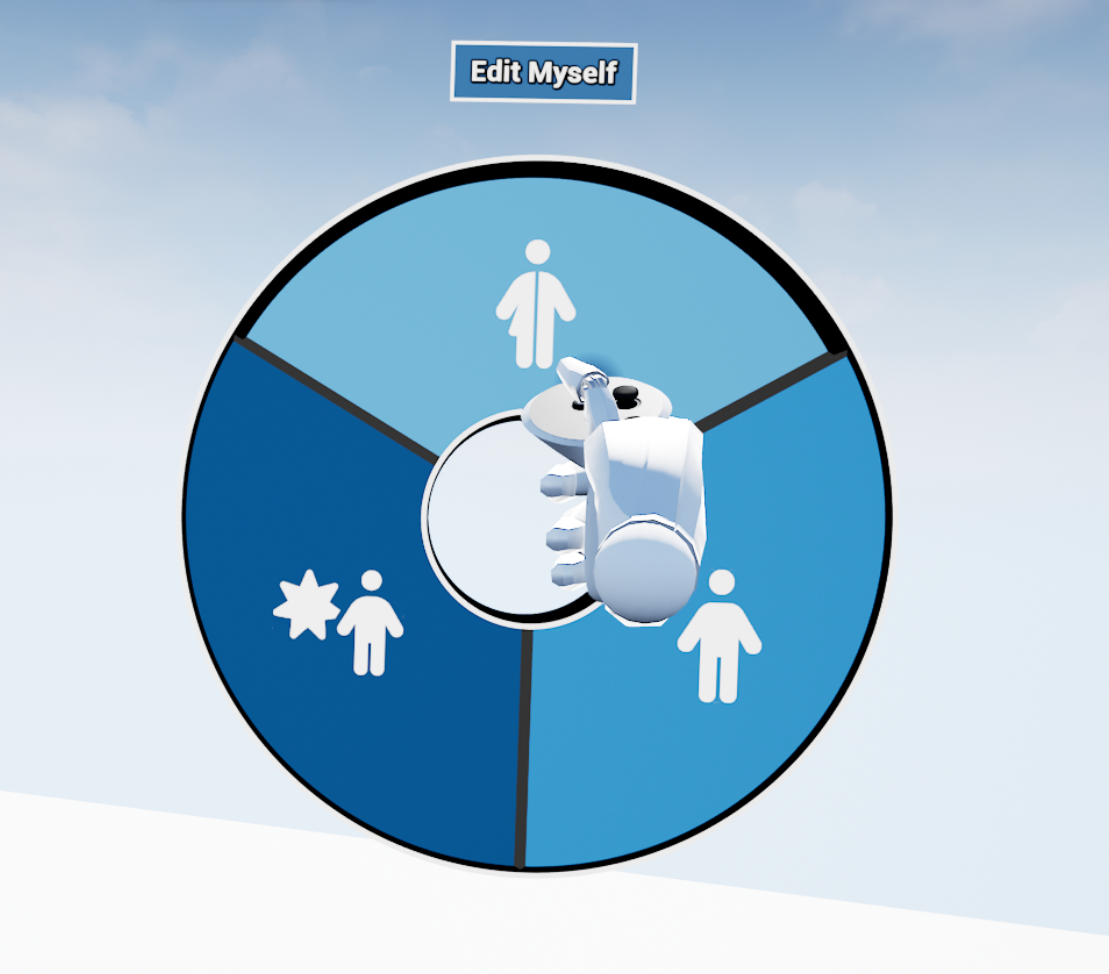
You will find the Edit Myself command in the default Manikin sub menu of the pie menu.
The Edit Myself command allows you to set up your own manikin's look and control how other users in VR see you. Since your avatar is a manikin, you have access to the same options as in the Edit Manikin command (see Manikin Settings for details).
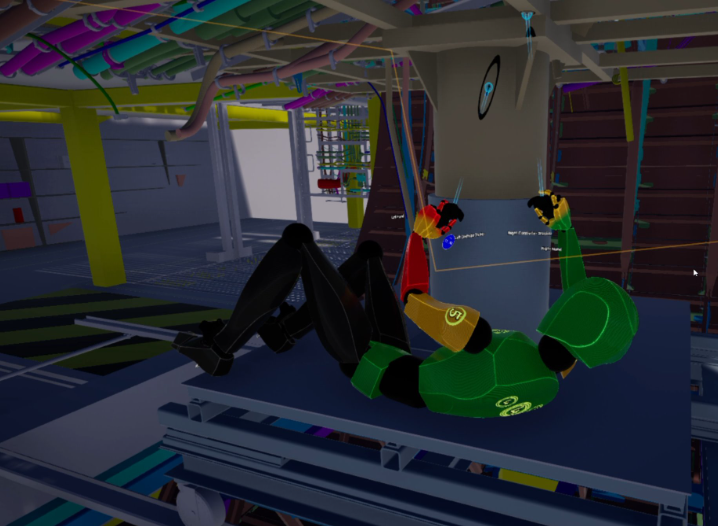
You can incarnate any manikin by projecting yourself into it. Once incarnated, the manikin will follow your movements. While inside a manikin, pressing the trigger will exit the manikin's body and return you to your avatar.
Edit Myself Options
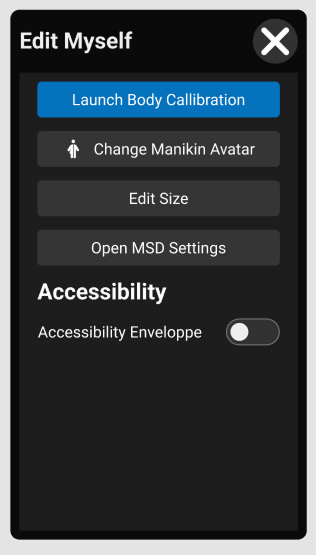
From the Edit Myself interface, you can access:
-
Body Calibration: Calibrate your avatar to match your real size and arm's reach, and synchronize all body movements with body trackers.
-
Change Manikin Avatar: Select any avatar from your Manikin Library (see Avatars and MetaHuman).
-
Edit Size: Adjust your manikin's dimensions (see Manikin Settings).
-
Open MSD Settings: Access MSD parameters based on the RULA standard (see MSD Analysis).
-
Accessibility Options: Activate accessibility features on your own avatar (see Manikin Settings).
Recommendations
For optimal tracking, we recommend:
Installing at least 3 tracking cameras in a dedicated space for body tracking or tracked object manipulation.
For correct feet tracking, placing one camera at floor level.
If you are using Vive trackers, making sure that each tracker has been assigned a Tracker Role in SteamVR's "Manage Trackers" options.
Making sure that you are using a MetaHuman avatar.
Calibration Flow
The Fast Body Calibration button launches the calibration wizard. A new screen will appear in front of you.
The fast calibration is carried out in two steps:
Step 1 - Verify Your Height
When you launch the fast calibration, your height is automatically detected based on the position of your headset. However, for better accuracy, you can adjust it by clicking the up and down arrow buttons.
You can also re-launch the automatic height detection by clicking Autofill Height to get a closer result, and then fine-tune your size manually.
Once the height indicated on screen matches your actual height, click Next Step to proceed.
Step 2 - T-Pose Calibration
The next screen asks you to stand in a T-pose (arms extended straight out to the sides) and press any trigger button to validate the tracker positions. SkyReal will automatically calculate the body tracking configuration.
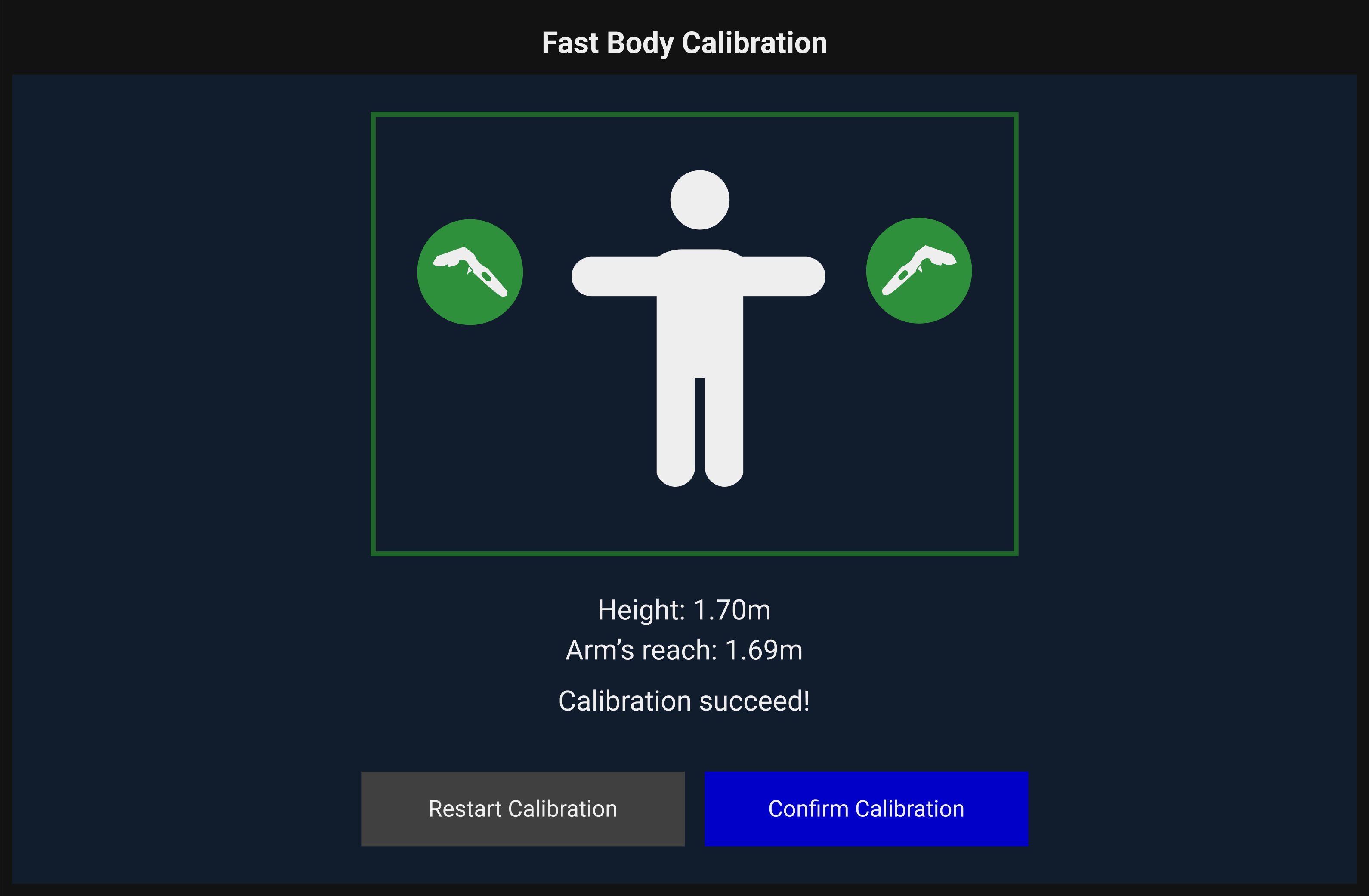
Once you press the trigger button, the wizard will show a green validation indicator. You can then confirm the calibration by pressing the Confirm button, or start over by pressing the Restart button.
Manikin Interpolation
Once you have completed body calibration, you can select any manikin as your avatar. With Fast Calibration, the manikin automatically adjusts to your height, so no matter which manikin you choose, it will always match your size.
You cannot manually change a manikin's size in Edit Myself; calibration ensures the avatar adapts to your body instead.
-
Arm reach is automatically matched to yours, although you can still adjust it manually if needed.
-
For best results, select a manikin that is already close to your real size.
The manikin’s accuracy also depends on the number of trackers attached to your body and how closely your body morphology matches that of the avatar.
Options and Settings
Reset All Bindings
This option overrides all binding information for every active tracker, returning them to their default state. Use this if you need to start the calibration process from scratch.
Tips
-
Always perform a Fast Calibration before incarnating manikins or starting an ergonomic session for the most accurate body tracking.
-
If your tracking seems inaccurate, try running Autofill Height again and performing a fresh T-pose calibration.
-
Ensure your Vive trackers have assigned roles in SteamVR before starting calibration - unassigned trackers will not be detected.
-
For foot tracking, position at least one tracking camera at floor level.
-
After calibration, you can incarnate manikins of any size - your movements will be interpolated to match the manikin's proportions.