CAD Forge Overview
CAD Forge is the 3D data library within the SKYREAL ecosystem. It is where you import, organize, visualize, and prepare your CAD files before creating VR experiences.
Note: This feature requires a CAD Forge License. See the User Rights Management policy for more information.
What is CAD Forge?
CAD Forge is the central hub for all your workspace's CAD data. From this interface, you can import new CAD files, preview them in 3D, manage permissions, and create experiences directly from your 3D data.
Key Features
-
CAD Import — Import CAD files of any format into your workspace's 3D data library.
-
3D Preview — Select any CAD file or subpart and view it in 3D directly from the interface.
-
Product Structure — Click on a CAD file to display its full product structure in a tree view.
-
Folder Organization — Store and organize your CAD files using drag-and-drop folders.
-
Status Tracking — Monitor the status and visualization engine version for each CAD file.
-
Experience Creation — Create VR experiences directly from selected CAD data or subsets.
-
Permissions Management — Control who can access and modify 3D data within each workspace.
Interface Overview
Once inside a workspace, open CAD Forge by clicking the third button in the navigation bar.
[IMAGE: CAD Forge navigation bar access — original at /pictures/v1.21/CAD-forge-access.png]
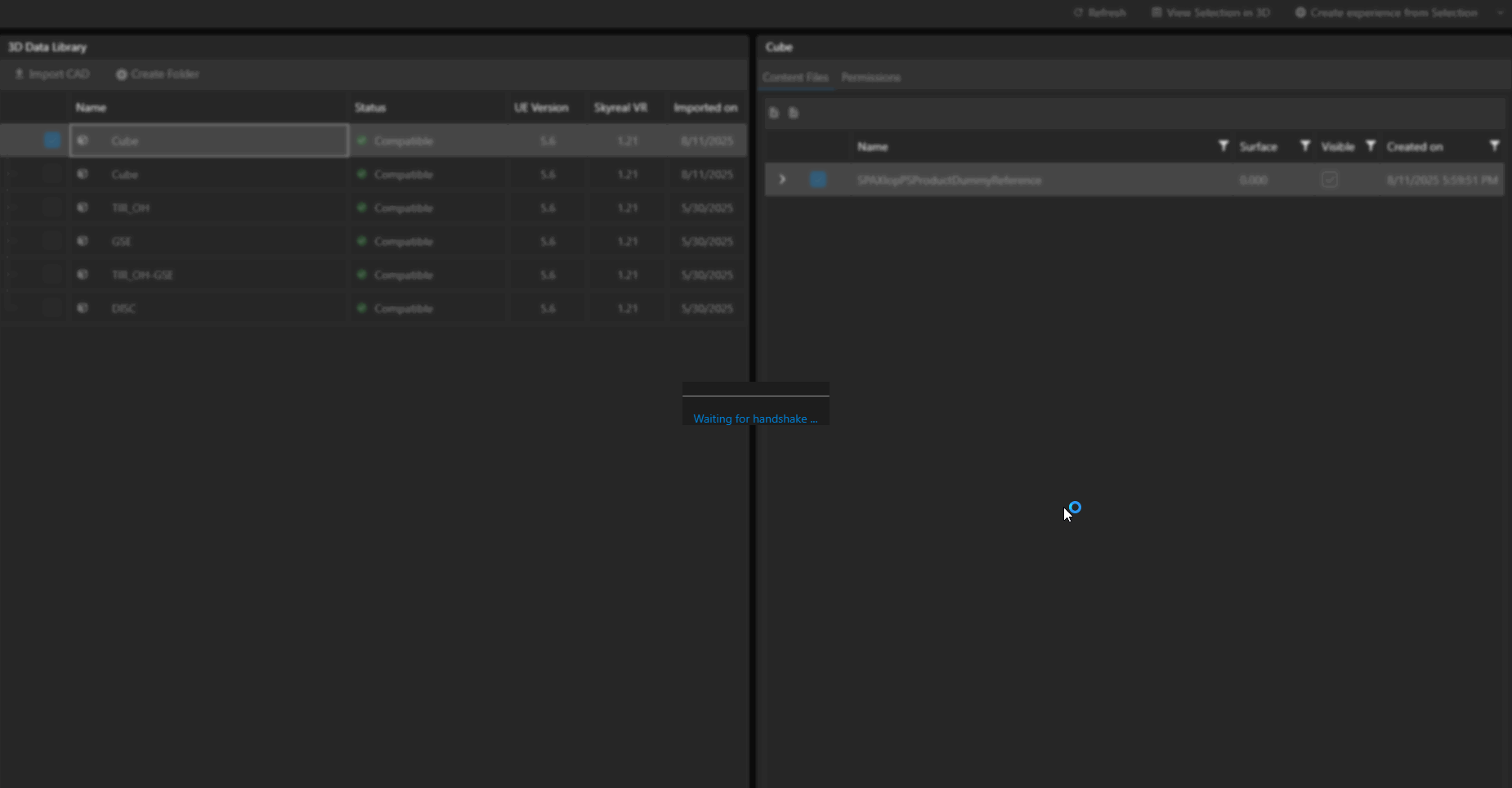
The 3D Data Library is split into two areas:
-
Left panel — Displays all imported CAD files. You can organize them in folders.
-
Right panel — Shows the product structure of the selected CAD file.
[IMAGE: CAD Forge interface overview — original at /pictures/v1.21/CAD-forge-overview.png]
How Can I See My CAD in 3D?
-
Select your CAD by checking the checkbox. You can select the full CAD, only specific subparts, or parts from different CAD files.
-
Click the View Selection in 3D button at the top of the screen. You can also right-click on a CAD file to view it in 3D.